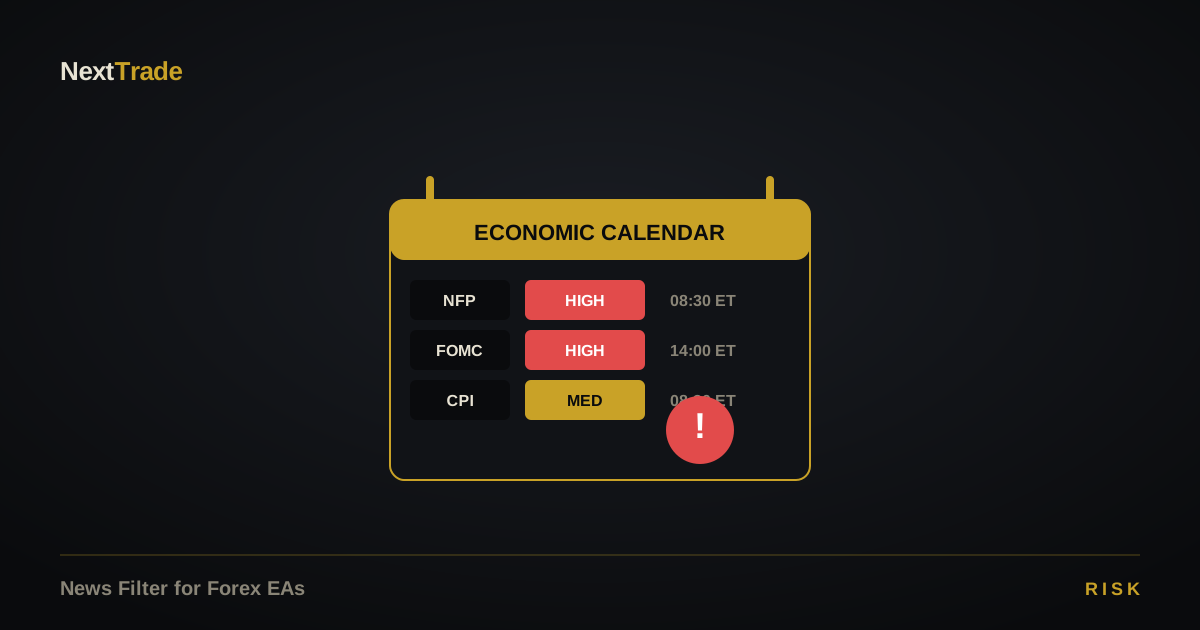
A news filter for forex EAs is a setting that blocks new entries — and optionally closes open positions — around scheduled high-impact economic events. On XAUUSD, that means FOMC, NFP, CPI, PPI, and central-bank speeches. An EA without one is a working strategy 95% of the time and a disaster during the other 5%.
This article explains what a news filter does, which events matter most for gold, and how to configure the window so you're not trading into chaos.
What happens to XAUUSD during high-impact news
During a major release, three things change within seconds:
- Spread widens — from $0.25 to as much as $1.50 on XAUUSD.
- Liquidity drops — market makers pull quotes; your fill is whatever's left.
- Price gaps — single candles of 50—150 pips before any limit order can react.
A well-designed EA that normally uses a 30-pip stop can see that stop get hit for a 90-pip effective loss due to slippage. Repeat a few times and the backtest equity curve diverges catastrophically from live results.
The events that actually matter for gold
Not every red-folder event moves XAUUSD equally. Rank by historical volatility impact:
- FOMC rate decisions + Powell press conferences (8× per year) — highest-impact event for gold.
- Non-Farm Payrolls (NFP) — first Friday monthly, 8:30 ET. Consistently 50+ pip candles.
- US CPI — monthly inflation print; direct input to rate expectations.
- US PCE — the Fed's preferred inflation gauge.
- PPI — upstream inflation signal.
- Jackson Hole — annual central-bank symposium; unpredictable timing of hot commentary.
The Bureau of Labor Statistics publishes NFP on a public schedule; the FOMC's calendar lists rate decisions months in advance. A good news filter reads these automatically.
How a news filter actually works
Under the hood, a proper news filter does four things:
- Pulls an economic calendar feed (ForexFactory, MQL5 calendar, or a custom source).
- Parses each event for impact level, affected currency, and scheduled time.
- Builds a blocked-time list:
[time − buffer, time + buffer]. - During those windows: no new entries; optionally, close existing positions before the event.
A typical buffer is 30 minutes before → 30 minutes after for USD events, extended to 60 minutes for FOMC where the press conference drags the impact out. NextTrade ships with the i_SecBefore=3600 and i_SecAfter=3600 defaults — visible in the live backtest report's input panel.
Should you close open positions before news?
Depends on your stop distance:
- Tight stops (≤30 pips): close the position. A news spike will blow through the stop regardless.
- Wide stops (≥100 pips): usually fine to hold — the volatility has room to breathe.
- Anything in between: judgment call. Lean toward closing if your win rate depends on avoiding tail events.
Personal insight: the quiet cost of lazy filtering
The most common mistake we see isn't skipping the filter entirely — it's using an overly narrow window. A 5-minute buffer around FOMC is almost worthless. The volatility starts 30 minutes before (positioning) and runs an hour after the press conference. Over the course of a year, tight windows accumulate roughly 40% of the losses a filter would have prevented.
The cheap fix: add a 45-minute post-event buffer to FOMC specifically. Your equity curve gets noticeably smoother.
How NextTrade handles it
NextTrade Gold EA ships with a calendar-aware news filter out of the box, with separate buffers for tier-1 (FOMC, NFP, CPI) and tier-2 (PPI, sentiment indices) events. See the full implementation in the features page or the how-it-works walkthrough.